
Starting a game
You've booked a court and need three more players? Or you want to run every Thursday without texting everyone one by one? Set up a game. matchMii does the rest: finding people, collecting yeses, sending reminders and, if you like, collecting the money.
Create a game ↗Done in a minute
Tap the orange plus in the bottom bar and fill in the page from top to bottom.
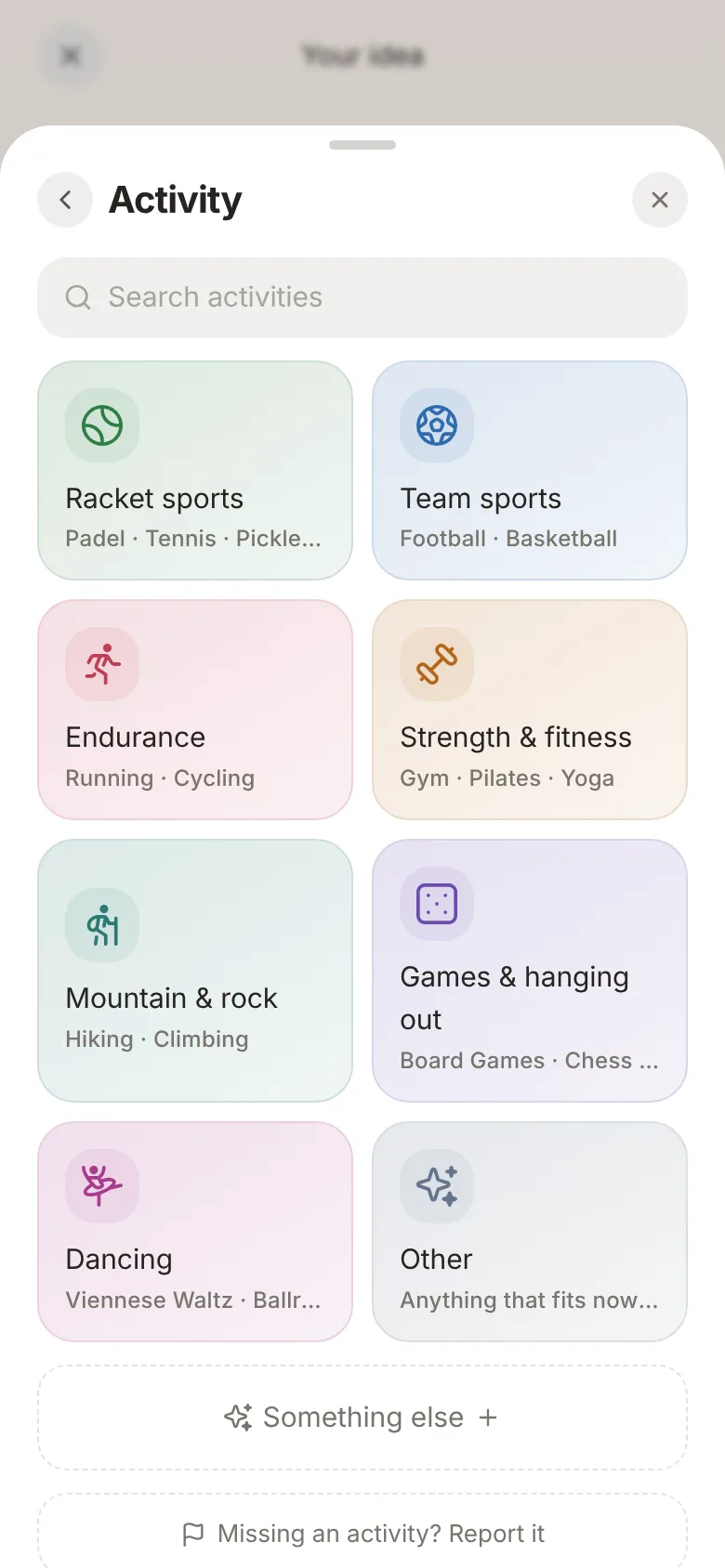
- What are you doing? Pick the sport: padel, running, beach volleyball and lots more.
- When and where: date, time and place. If you like, only confirmed players see the exact address.
- How many: how many can play and the minimum needed for the game to go ahead. Once it's full, people can join the waitlist.
- Who can join:
- Open: anyone can join right away.
- On request: you decide on each request.
- Private, link only: the game isn't listed anywhere. Only people with your link can join.
- Cost and payment: free, cash, bank transfer or online. See Setting up payments.
Finally, tap Publish and your game is live.
Saving spots for friends
Bringing someone along? Under Reserve spots you can hold places, with a name and email if you want. Send them the link and they claim the spot themselves.
While the game is on
Everything you need as an organizer is right there in the game. Your own games are under Joined.
Open my games ↗- Requests: accept or decline them right in the game. People hear back instantly.
- Chat: the group chat belongs to everyone who's in.
- Removing someone: if they paid online, they automatically get everything back.
- Cancelling: rain? Cancel the game. Everyone is notified, and anyone who paid online gets their money back.
From experience
Set a minimum number of players and a cancellation deadline a few hours before the start. You'll know early whether the game is on, and nobody drops out five minutes before.