
Communities
Always playing with the same crew? Start a community: your group, with its own page, its own chat and all your games in one place.
Open communities ↗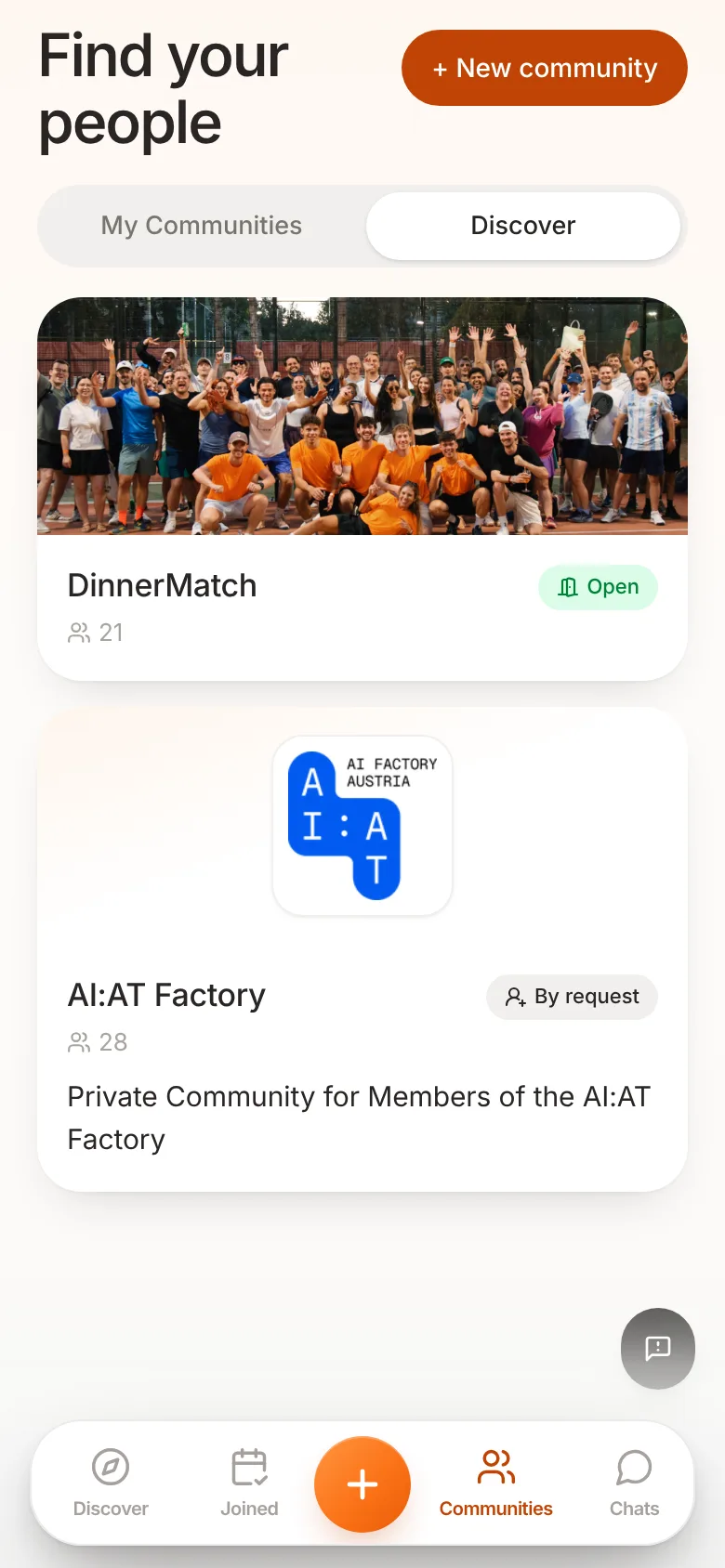
Setting up your community
- Joining: Open, so anyone can join right away. Or On request, so you decide on each request.
- Visibility: Public, so people can find you in the directory. Or Private, so people can only get in with your link.
- Look: a cover image, a logo and your own colour.
- Moderation: share the work. Moderators accept requests and make sure everyone stays friendly.
Games in your community
When you create a game for your community, all members hear about it at once. Anyone who doesn't want a message for every new game can set the community to Muted.
If the games cost money, everything in Setting up payments applies.